How to Create Your Own AI Beach Art Portrait
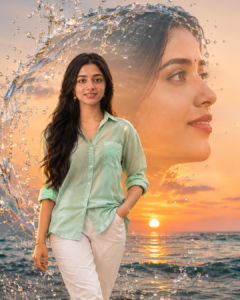
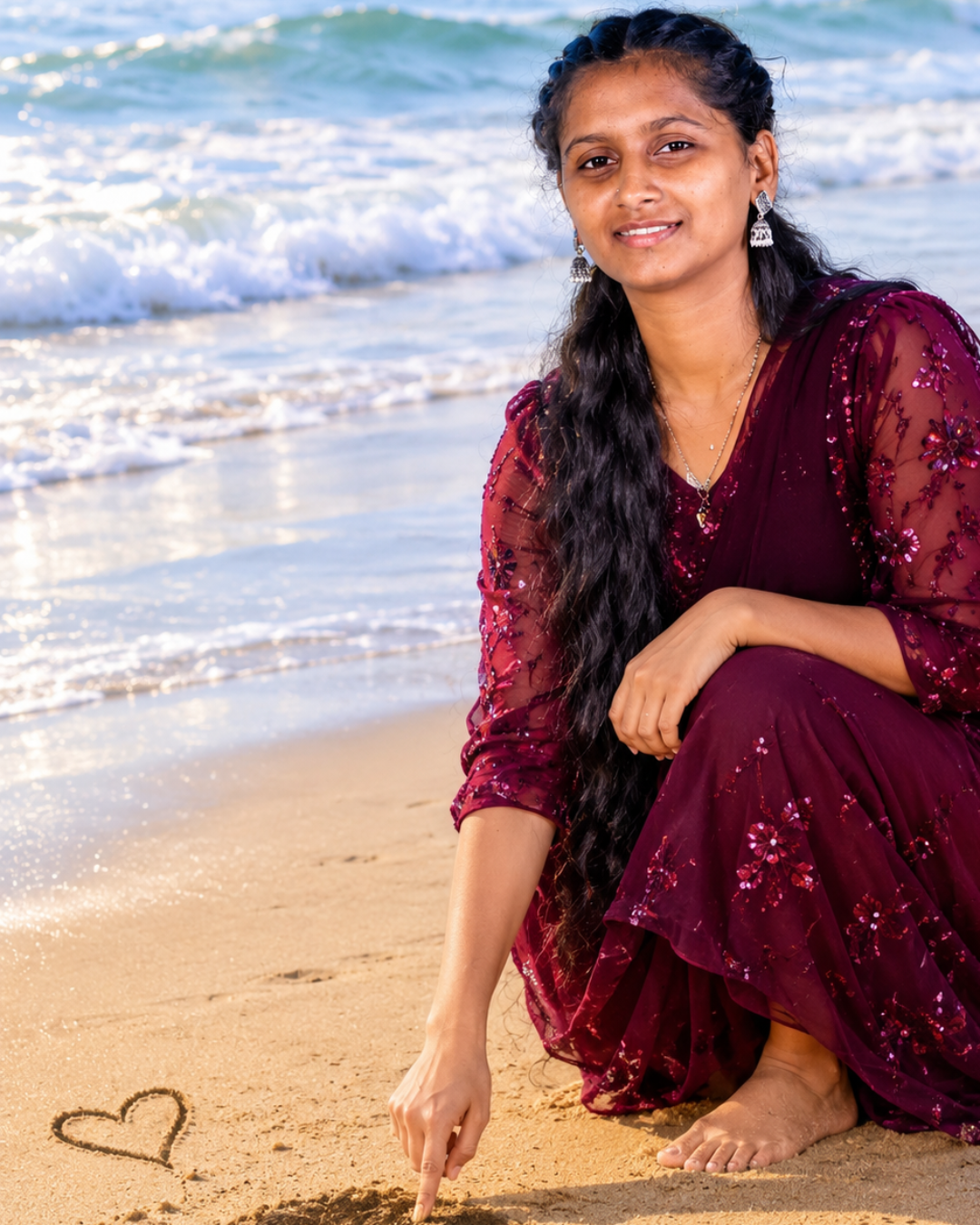
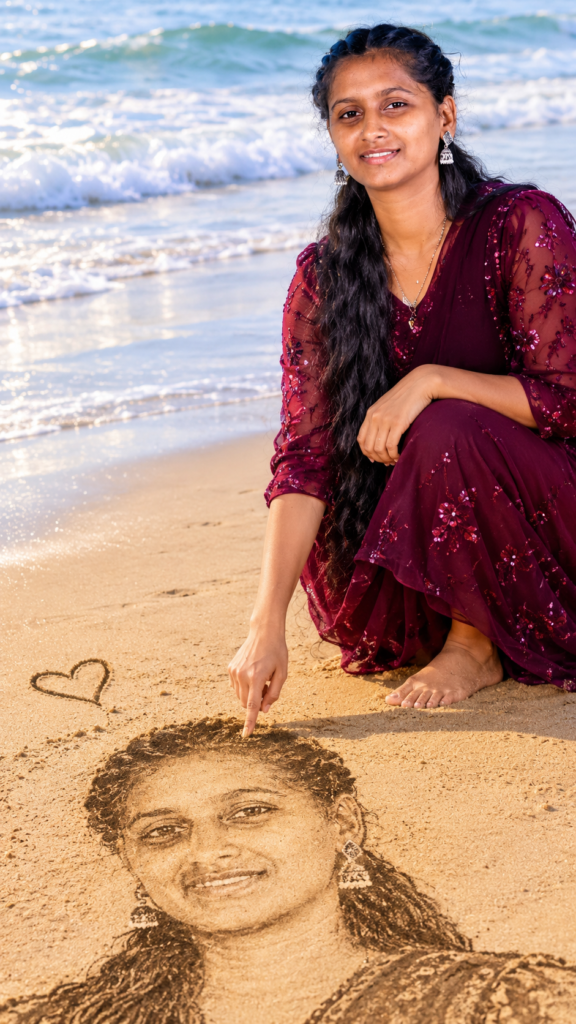
Follow these simple steps to create a stunning, ultra-realistic AI beach art photoshoot Portrait using your own photo.
Step 1: Visit Our Website
Visit Meku Matramey website and open the AI Photo Prompts page.
Step 2: Choose Your Favourite Prompt
Browse through the available AI photo prompts and select the AI Beach Art Photoshoot Portrait Prompt.
Step 3: Copy the Prompt
Copy the complete AI image generation prompt provided on our website.
Step 4: Upload Your Photo
Open ChatGPT or your preferred AI image generation tool and upload a clear photo of yourself.
Step 5: Paste the Copied Prompt
Paste the prompt you copied from our website into the AI tool. Make sure to include the instruction to preserve your original facial identity and natural features.
Step 6: Generate Your AI Image
Click the Generate button and wait for the AI tool to create your image.
Step 7: Save and Share
Once your image is ready, download it in high quality and share your beautiful AI beach art photoshoot portrait with your friends!
Pro Tip: Use a clear, front-facing photo with good lighting for better facial resemblance and more realistic results.