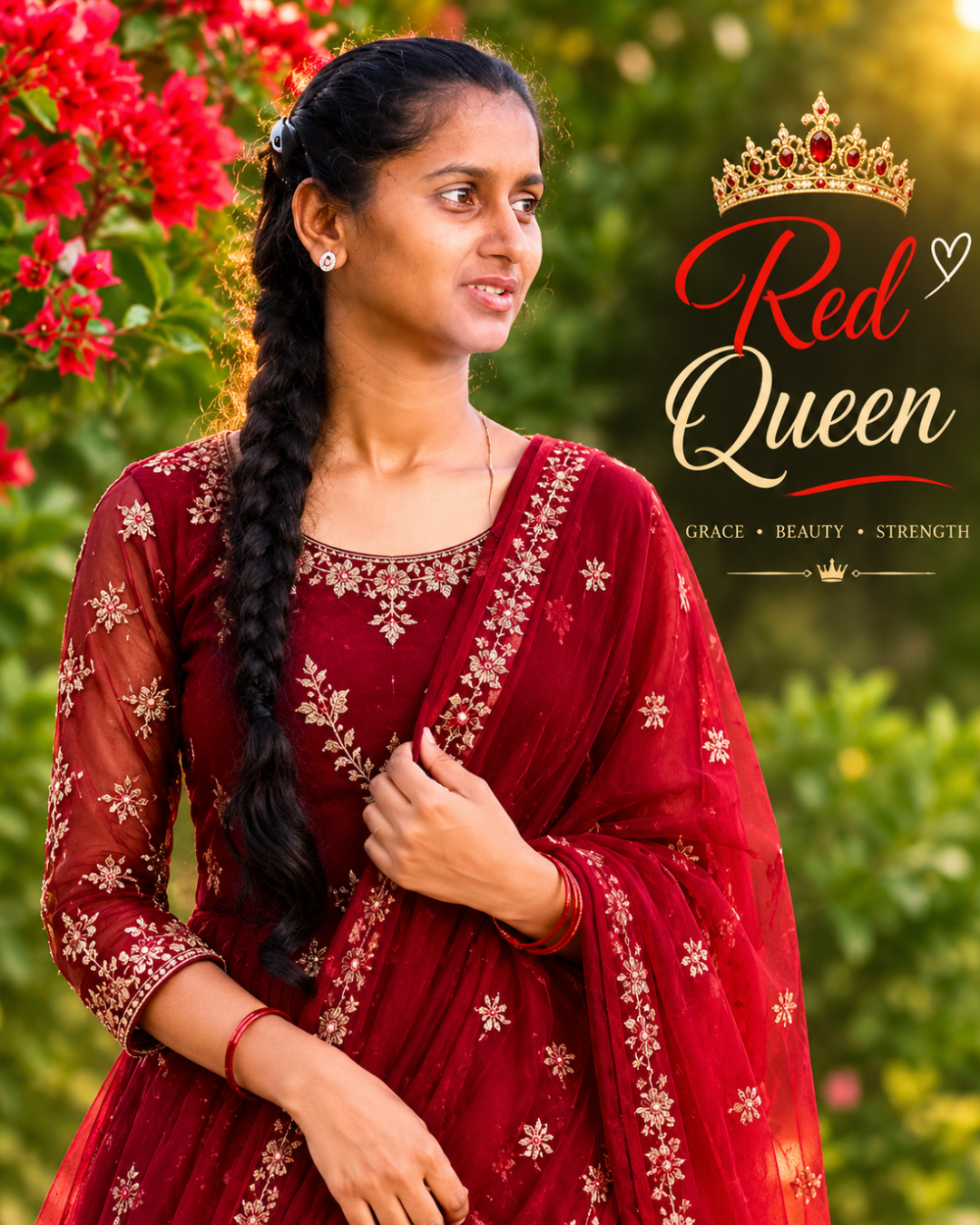
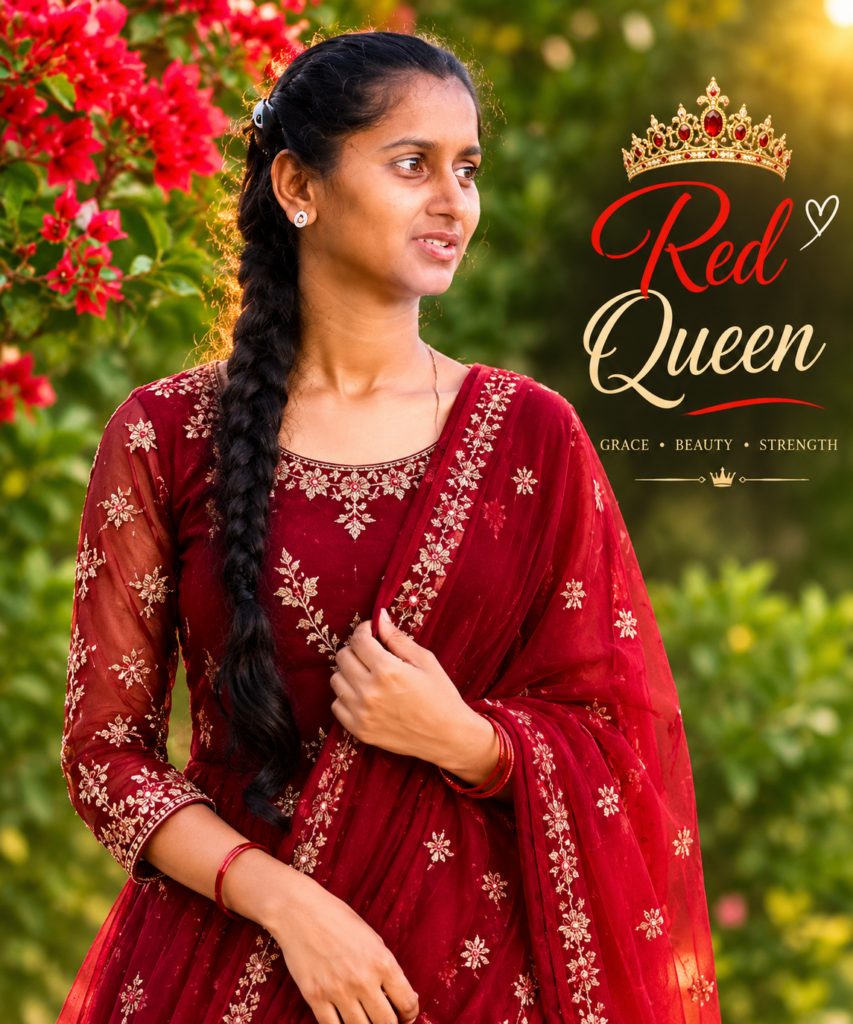
How to Create a Stunning AI Red Cinematic Queen Portrait
Transform your regular photo into a gorgeous Red Queen cinematic portrait using AI. Follow these simple steps to create your own royal-style photoshoot.
1. Visit Our Website
Visit Meku Matramey and navigate to our AI Photo Prompts collection.
2. Find the Red Cinematic Queen Prompt
Search for Red Cinematic Queen or visit our dedicated prompt page:
3. Copy the AI Prompt
Copy the complete Red Cinematic Queen AI Prompt available on our website. Make sure you copy the entire prompt to get the desired results.
4. Upload Your Original Photo
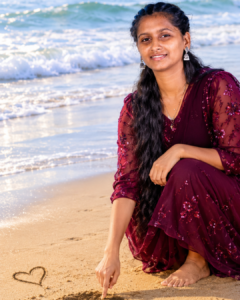
Open ChatGPT or another AI image generation tool and upload a clear photograph of yourself. Choose a high-quality image with your face clearly visible.
5. Paste the Prompt
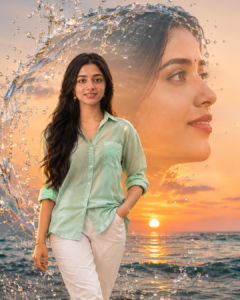
Paste the copied prompt into the AI tool along with your uploaded photograph. The prompt will guide the AI to create a royal cinematic portrait with a beautiful red traditional outfit, elegant styling, and a stunning floral background.
6. Generate Your Red Queen Portrait
Click the Generate button and let the AI transform your original photograph into a premium Red Cinematic Queen portrait.
7. Download Your Final Image
Once the image is generated, save it in high quality and share your beautiful AI-generated royal portrait on Instagram, Facebook, or WhatsApp.
Tips for Better Results
- Upload a clear, high-resolution original photograph.
- Choose a photo where your facial features are clearly visible.
- Use the complete prompt without removing important instructions.
- Make sure the prompt includes facial identity preservation for better resemblance.
That’s it! Your stunning Red Cinematic Queen portrait is ready.
Pro Tip: Try different birthday greetings and names to create unique, personalized birthday posters using the same AI prompt!